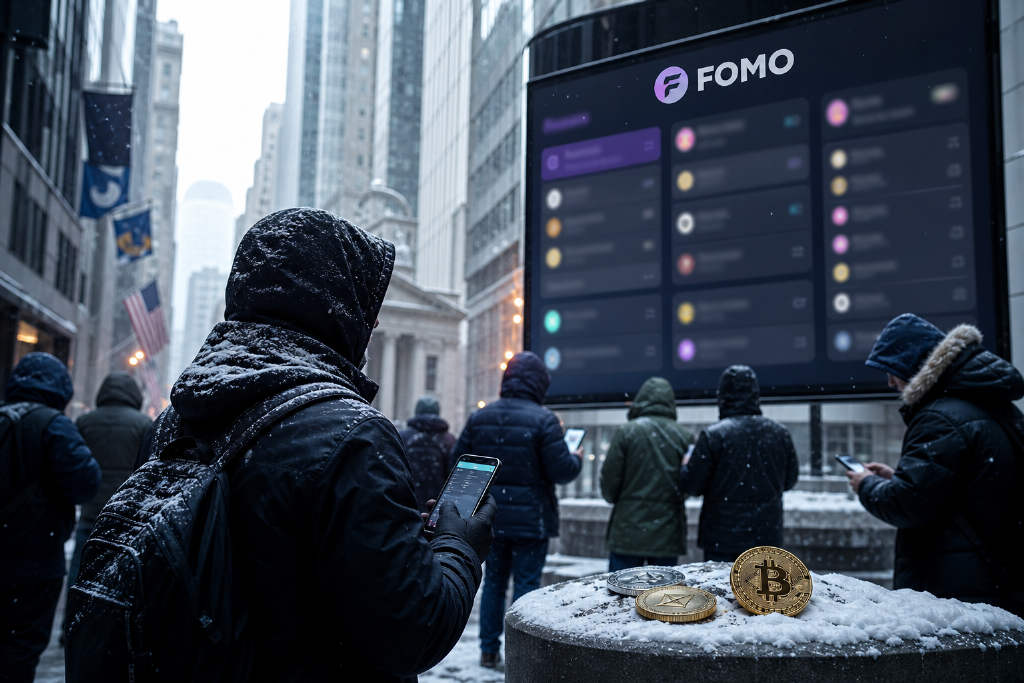
FOMO is attracting a wider range of crypto traders. The platform was initially used mainly by Meme coin traders, but it has recently seen more participants active in secondary-market trading and derivatives trading. @seyong said FOMO is currently adding an average of 30 new users every minute.

For new users, the main difficulty is often practical rather than conceptual: the interface contains multiple English pages and a large amount of trading data. FOMO's Social Trading tools can be used to find traders, study the tokens they buy and compare market activity across several tabs. The feature is not limited to copying trades.
Start with the Global feed
The Global feed is mixed by default, so the first step is to adjust its Filters. A useful starting configuration keeps four categories visible:
- Trades: live trading activity.
- Theses: trading views and investment logic.
- Multi-user trades: trades involving multiple users at the same time.
- New traders: newly appearing traders.
Closed positions, New listings, Price spikes and Profit milestones can be switched off. This setup puts more weight on what other users are buying rather than mixing entry and exit signals in the same stream. Price-spike notifications may also arrive after a token has already moved, which makes them less useful for assessing an initial entry.
Use Clans to track shared conviction
Clans is FOMO's team feature. A group of traders forms a Clan, and the platform ranks the group by its overall PnL. The ranking is better used as a way to locate shared conviction than as a direct copy-trading list.
One approach is to review the 7D and 30D results first, then open a Clan and select one or two relatively consistent core members who regularly publish a thesis. If two or three core members gradually buy the same token before it has moved significantly, that activity can deserve closer attention.
The Clan ranking needs to be checked against individual trading records. A team may be lifted by one or two large positions, or even by a single highly profitable trade. Opening the member pages and reviewing the latest 20 trades helps determine whether the results reflect a continuing trading pattern.
Users should also avoid entering a position simply because an alert appears. FOMO signals can reach the user after the trader's original entry. Compare the reported entry price with the current price first. Once a token has already risen by 10% to 20%, the trade is generally no longer the same entry opportunity.
What the five tabs are for
Crypto, Trending, Most Held, Graduated and Gainers represent different market conditions and serve different purposes.
- Crypto: for major tokens such as SOL and ETH.
- Trending: for the day's active narratives. A token that suddenly sees heavy trading can show what the market is focusing on that day.
- Most Held: for ownership conviction and for identifying tokens that users continue to hold after buying.
- Graduated: for earlier opportunities. It focuses on new tokens that have just graduated from the bonding-curve phase and entered public trading.
- Gainers: for the performance leaderboard and for checking which tokens are showing strength.
A practical sequence is to start with Graduated to find new tokens, move to Trending to check attention, use Most Held to see whether users are willing to keep holding, and then consult Gainers to determine whether the token has already risen too far.
More radar than automatic copy trading
Social Trading's main benefit on FOMO is reducing the cost of finding Alpha. The traditional process starts with finding a token and then researching who is buying it. FOMO allows users to reverse that order: find potentially useful traders first, then examine what they are buying.
That workflow does not turn FOMO into an automatic copy-trading tool. Alerts can be delayed, PnL can be distorted by a small number of trades, and smaller tokens carry slippage and liquidity risks. FOMO is better treated as an Alpha radar. The final decision to buy remains with the trader.