
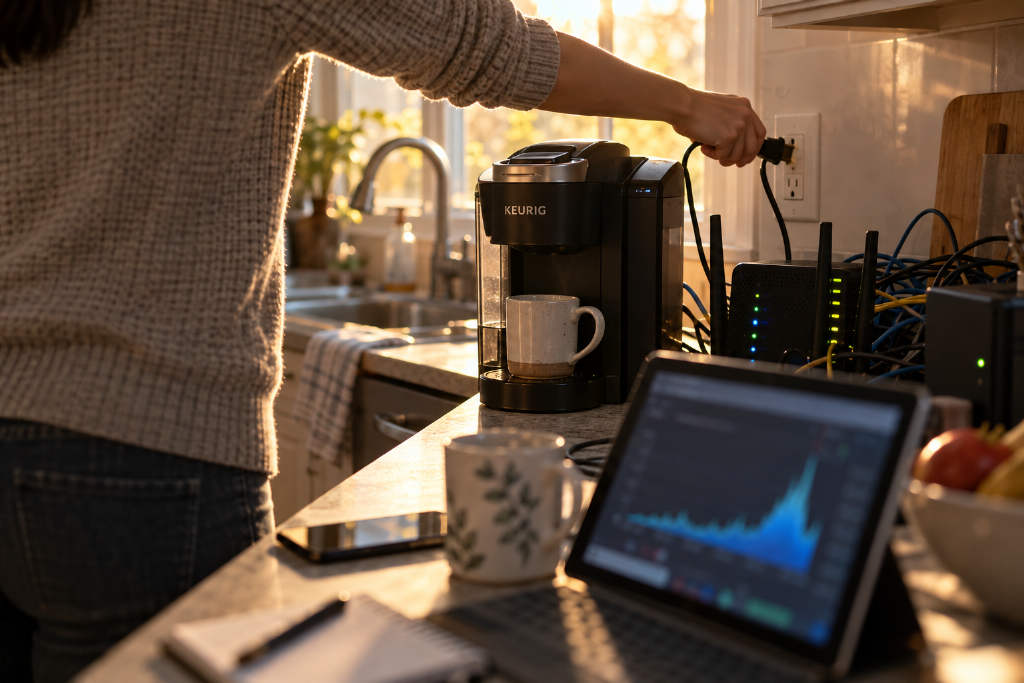
A Keurig smart coffee maker recorded 1,008.45 GB of outbound traffic after being connected for 10 days and 9 hours, according to a network management screenshot shared by Nomad, a technical and community specialist at Prusa.
In a post on X dated Oct. 6, Nomad tagged Keurig’s official account and asked what a coffee machine could possibly be uploading. He also wrote that he was unplugging the device immediately and buying his parents a new coffee maker.
He wrote: "Hey uh, @Keurig what the hell is a COFFEE MACHINE uploading, let me double check ONE FUCKING TERABYTE OF DATA IN 10 DAYS!?!? Immediately unplugging that. Getting my parents a new coffee machine."
Most of the traffic did not leave the home network
Nomad later added that the machine really had sent about 1TB of data, but said that "most of it did not leave my network." In his telling, the episode looked less like a coffee maker secretly sending data out and more like a faulty device overwhelming a home Wi‑Fi setup.
Bug suspected, but the cause is still unknown
Nomad said he has worked in IT for more than 10 years. After checking further, he concluded that the issue was "most likely a bug" in the machine. The side effect, he said, was that it saturated the wireless access point, or AP, in the house.
The report noted that the 2.4 GHz band already has limited bandwidth. If one device keeps transmitting for long periods, other devices on the same AP can slow down as well, which matches Nomad’s description.
He said he had considered using tools such as Wireshark to inspect packets, but decided to take the machine offline instead. In his view, an Internet of Things, or IoT, device capable of causing that kind of failure and saturation was not worth keeping on the network. The coffee maker had already been placed on a separate IoT segment.
No answer yet on what the 1TB contained
There is still no answer on what the 1TB of traffic actually contained or why it happened. Nomad’s later posts and outside media coverage cited in the report did not mention any response from Keurig.
The article also said this remains a single-user, single-device case. There is no evidence at this stage that the same model broadly shows the same behavior.
Router traffic logs do not automatically mean data was sent to the internet
BlockTempo linked the case to an earlier September report involving a smart washing machine in China. In that case, a consumer checked a router and found that a Midea smart washing machine had been online for 19 hours and 40 minutes and generated 411.52 MB of traffic.
That earlier report concluded that figures shown on a router only mean the traffic was attributed to a device name. They do not by themselves prove that the device transmitted data to an outside destination. Confirming that would require records from the device side.
What users can check at home
For people concerned about privacy, the report suggested checking the management page of a home router or AP to review cumulative upload and download volumes for each device. Devices with uploads far above downloads may deserve a closer look.
It also suggested placing smart appliances on a separate guest network or IoT segment, away from phones and computers, to limit risk. In this case, though, Nomad’s machine was already isolated and still saturated the AP. The report added one more practical step: if the internet connection is not needed, turn off Wi‑Fi on the appliance.
The article said the main issue for most households is not the bill, since home broadband plans in the domestic market are usually not metered by traffic volume. The concern is that home Wi‑Fi can be slowed down while the destination of the data remains unclear.