
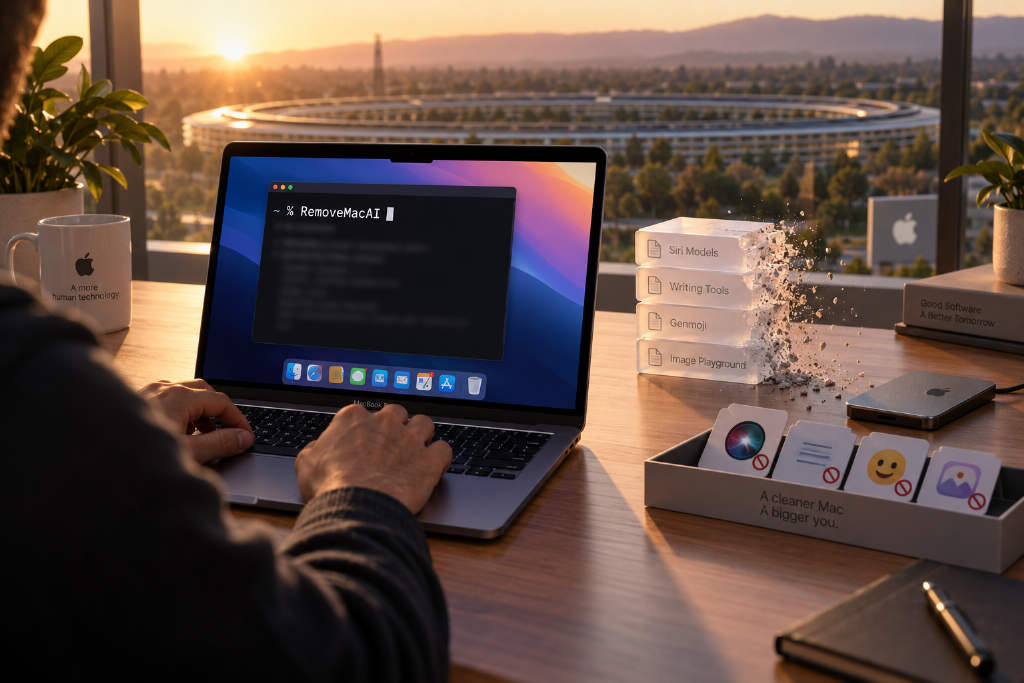
macOS 27 no longer includes a master switch for Apple Intelligence. According to the RemoveMacAI project, turning the features off does not remove the underlying models from local storage. The open-source tool is meant to handle all three steps with one command: disable the features, delete the models, and prevent macOS from downloading them again.
Project says the models can take up about 12 GB
RemoveMacAI developer Om Lahore estimated in a Reddit post that Apple Intelligence models occupy roughly 12 GB. The project README says the tool disables Siri, Writing Tools, Genmoji, Image Playground, and summary features, removes the models, and blocks the operating system’s download path.
Its method is to redirect each model download URL to a local unopened port, which stops the system from fetching the files again.
GitHub timeline and supported systems
Lahore created the GitHub project on Sept. 29. As of Oct. 6, it had 2,333 stars. The tool is built on top of pared, a project developed by 4evy.
The README says RemoveMacAI is intended for Apple silicon Macs running macOS 27. Version 27.0 is listed as tested, while macOS 27.0.1 requires version 0.2.3 or later. macOS 26 and earlier are not supported. The one-line install command always pulls the latest release.
How to check storage use and current status
Users who want to see how much space Apple Intelligence is using can open the Storage page in System Settings and click the information button next to macOS. The project also provides a status command that lists feature states and the size of each model group:
curl -fsSL https://raw.githubusercontent.com/omlahore/RemoveMacAI/main/install.sh | bash -s status
What gets disabled
The README says the tool turns off Siri, including “Hey Siri,” Writing Tools, Genmoji, Image Playground, ChatGPT extensions, app and notification summaries, Spatial Photos, Photos Clean Up, Mail smart replies, predictive text while typing, and predictive code completion in Xcode.
Apps that depend on Apple’s on-device models, including the Use Model action in Shortcuts, also stop working. Visual Intelligence and natural language editing in Calendar are affected as well. Dictation remains available because it is controlled through a separate setting.
Dry-run preview is available
The project recommends previewing the changes first with a dry run, which lists the planned actions without applying them:
curl -fsSL https://raw.githubusercontent.com/omlahore/RemoveMacAI/main/install.sh | bash -s -- off --dry-run
Installation steps
Step 1: Run the install command in Terminal
Open Terminal, paste the following line, and press Enter:
curl -fsSL https://raw.githubusercontent.com/omlahore/RemoveMacAI/main/install.sh | bash
Step 2: Review the list and enter y
The tool first shows which features are currently enabled, how much disk space the models occupy, and what it plans to do. It then asks, “Turn Apple Intelligence off?” The prompt is [y/N]. Pressing Enter cancels the process. To continue, type y and press Enter.
Step 3: Install the configuration profile
System Settings will open the configuration profile page automatically. Users need to click RemoveMacAI twice and then click Install. The project says macOS requires this step to be completed manually by the user, and the tool waits up to 10 minutes.
Step 4: Wait for model removal
The tool then uses Apple’s asset service to remove the base models, along with model groups for image generation, Genmoji, Spatial Photos, Photos Clean Up, and Xcode code completion. A “Done” message means the process finished. If it shows “Incomplete,” the removal either failed or could not be confirmed. In that case, the profile remains installed, and the README advises checking status before trying again.
Homebrew option and selective retention
Users who prefer Homebrew can install the tool with:
brew install omlahore/tap/removemacai
Then run:
removemacai
The rest of the process is the same. To see which feature names can be preserved, the project provides:
removemacai features
To keep selected functions, users can add --keep followed by comma-separated feature names. The example in the article keeps photo-related functions:
curl -fsSL https://raw.githubusercontent.com/omlahore/RemoveMacAI/main/install.sh | bash -s -- off --keep spatial-photos,photos-clean-up
The project notes that --keep only avoids locking those features. It does not turn previously disabled features back on, according to Lahore’s reply in the project issues.
Storage figures may not drop right away
The README says storage numbers in System Settings may not decrease immediately after deletion because macOS clears files on its own schedule.
If a process named Siri still appears afterward, the README says Spotlight in macOS 27 runs under that name.
Restore options and caution
The original article says there are two ways to restore the settings, including one for users who installed the tool with the one-line command. The input provided here cuts off before the full restore command appears, so the exact command is not included. The article also says users should understand the impact before removing the models.