

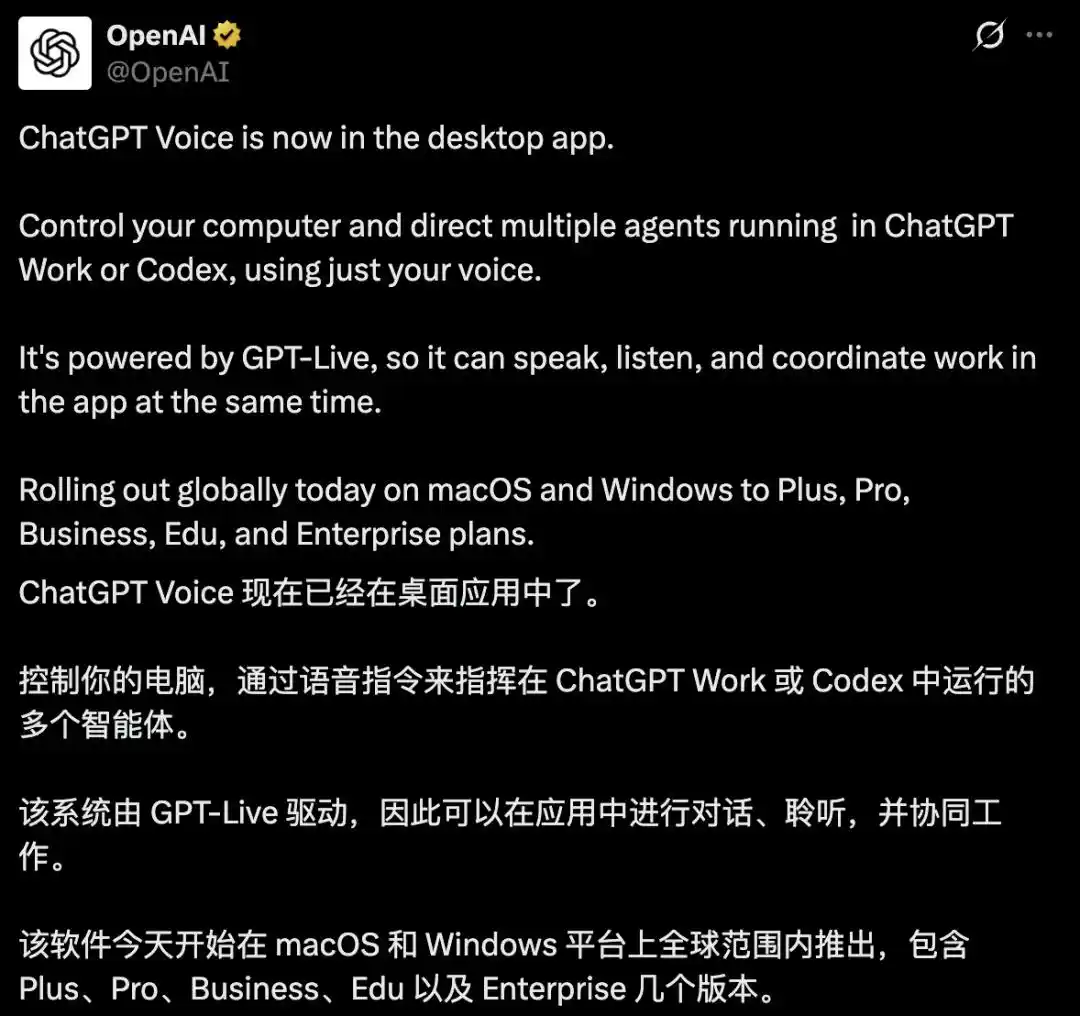
OpenAI has pushed ChatGPT Voice into the desktop app’s Work and Codex environments, giving users a way to start tasks, check progress, and manage multiple agents by speaking instead of typing.
The feature went live on July 23. According to the report, it is rolling out globally in phases across macOS and Windows for Plus, Pro, Business, Edu, and Enterprise users. Android support is expected next, while iOS access comes through Remote pairing.
At the model layer, the update is built on GPT-Live, OpenAI’s new voice model that launched on July 8. The report says it can listen and speak at the same time, so users can interrupt naturally and the system can continue from the latest point in the exchange, rather than following an older workflow built around recording, transcription, and a delayed reply.
Karpathy says voice carries more context with less friction
The article opens with comments from Andrej Karpathy, who described a method he often uses when he does not want to type out a complicated request line by line. Instead, he leans back, switches to voice, and talks through the whole thing for minutes at a time, sometimes for 10 minutes, in whatever shape the thoughts come out.
He said he sometimes starts by telling the AI, “I switched to speech recognition, don’t mind the typos.” What matters, in his telling, is that the model is good at taking a messy stream of spoken thoughts and turning it into something cleaner than the original wording. That, he said, cuts down on the amount of back-and-forth correction.
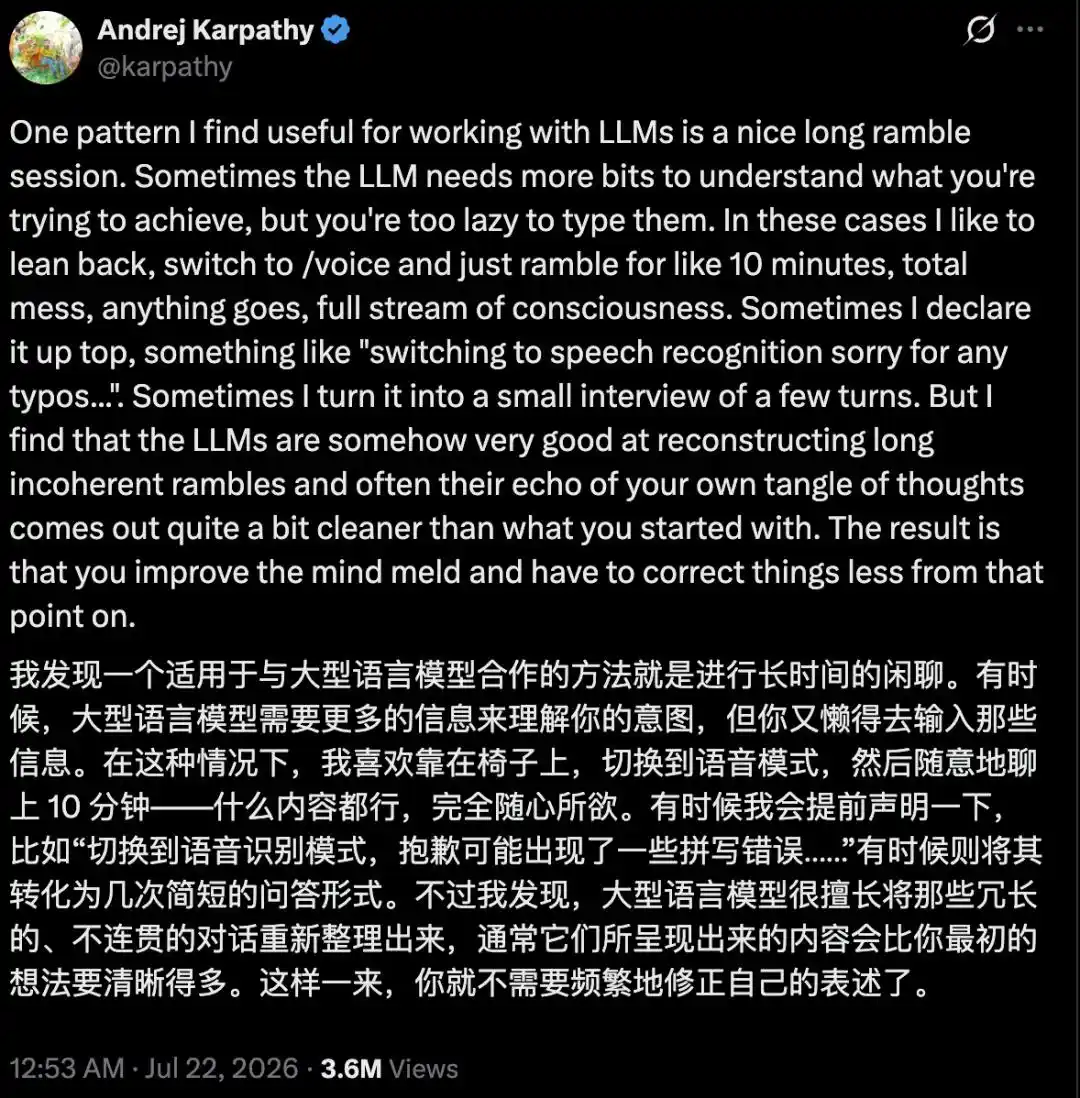
The report describes this as a better form of “mental fusion” between a person and a model. People often do not want to type out every part of a task’s background and constraints. Speaking lets them unload the whole bundle of context in one go.
Voice is being positioned as a task interface, not just a chat feature
OpenAI’s change is not framed as a convenience feature for casual conversation. In Work and Codex, voice now functions as an operating interface for AI-driven tasks.
Users can speak to launch a task, ask where it stands, inspect the state of an agent, and coordinate several agents inside one conversation so they can work in parallel. While a task is running in the background, the user can interrupt and redirect it. If the task gets stuck or finishes, the system can respond with voice or on-screen prompts.
The report also says the system can pick up from ongoing work by using project context and connected tools, including documents, calendars, contacts, and communication history. OpenAI’s examples include checking whether a calendar has conflicts, scanning email for flight changes, and preparing meeting notes while the user is away making coffee or doing something else.
On macOS, the desktop app also gets Appshots and screen context. That lets it read the frontmost window and combine that with local files and codebases for additional context. Hotkeys can also be customized.
The article says weekly active users across Codex and ChatGPT Work have already passed 10 million.
Several high-profile figures are making the same case for voice
The report argues this is not a one-company experiment. In roughly the same week, several industry figures publicly pointed to voice as the better interface for working with AI.
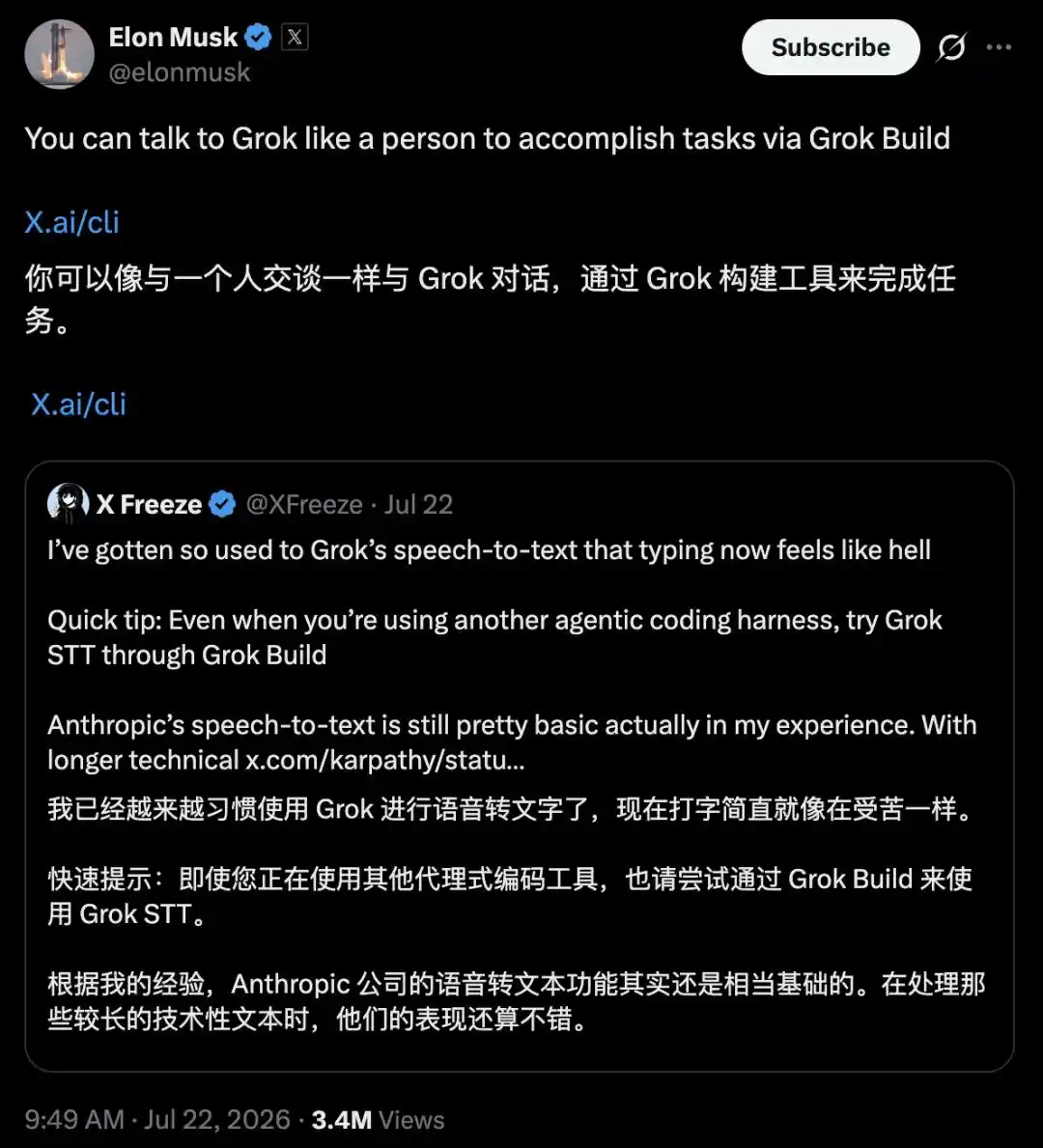
Karpathy posted on X that when there is too much context and typing feels like a chore, he prefers to “ramble” and let the AI clean it up. A Grok user then reposted Karpathy’s comments and said they were already used to Grok’s speech-to-text workflow, adding that typing now “feels like torture,” while also criticizing Anthropic’s voice input as still fairly basic.
Elon Musk later reposted that message and added that users could hand work to Grok through Grok Build in the same way they would talk to another person.
Sam Altman also promoted GPT-Live. He said he had usually preferred typing and did not like talking to AI, but now he speaks to ChatGPT more than he types. He specifically pointed to voice as the better option when a user needs to deliver a large amount of context all at once.

Typing is becoming the bottleneck
The article’s broader argument is that as agents become more capable, the user’s intent becomes more complex as well, and keyboard input starts to choke the flow. The less a user types, the thinner the information fed into the model. Voice, by contrast, can carry a denser stream of context. A user can explain motivations, constraints, preferences, and background in one pass, even if the delivery is messy.
The report cites community testing that puts spoken throughput at about 240 words per minute, compared with roughly 70 to 80 words per minute for typing. That makes speech three to four times faster on that measure.
It also says GPT-Live handles the fluid front-end conversation while heavier reasoning is passed to GPT-5.5 and GPT-5.6 in the background. The article presents that separation as part of what makes free-form voice interaction workable.
In that framing, voice is no longer just a lazy input method. It becomes a high-bandwidth channel for delivering context to AI systems.
From understanding instructions to managing an agent team
Based on OpenAI’s FAQ, the report says users can do the following by voice inside Work and Codex:
- start a task;
- set priorities across several tasks;
- interrupt a workflow and change direction;
- let work continue in the background;
- coordinate several agents across projects and conversations;
- receive spoken or visual alerts when a task is done or blocked.
It adds that project context and connected tools let the system resume prior work using documents, calendars, contacts, and communication records already tied into the workflow.
That moves voice beyond dictation. In the article’s description, it starts to look like a central control layer from which a user can direct an entire agent team.
OpenAI is pushing ChatGPT toward a desktop AI work operating layer
The report places this feature inside a larger product strategy. OpenAI, it says, wants ChatGPT to become an “AI work operating system.”
Over recent months, the company has been rebuilding the desktop app so Chat, Work, and Codex sit behind a single entry point with quick switching and persistent background operation. Codex, meanwhile, has expanded into a more general platform that can run several agents in parallel, handle long-running tasks, and understand an entire project.

The article says the desktop, rather than the phone, is where this matters most. A mobile chat box works for quick questions. But if AI is expected to connect to files, code, and software and then carry a task from start to finish, it needs to live on the computer. That is where files, IDEs, browsers, and enterprise office tools already sit.
Seen from that angle, the human-AI relationship is changing. Users are no longer only operating software one turn at a time by opening an app, entering text, and waiting. They are starting to act more like managers assigning work to a team, with the AI handling execution.
The article quotes one heavy user as saying the setup is “basically Jarvis.” That user said they even had Codex help assign a shortcut so they could switch by voice across three machines and several screens.
The closing point is that what excites figures like Musk, Altman, and Karpathy is not simply the chance to stop using a keyboard. It is the idea that once input is no longer the main constraint, more mental energy can go back into decisions rather than formatting instructions for software. At that point, the central question is no longer whether users can speak to AI, but what they want a room full of on-call AI systems to do for them.