
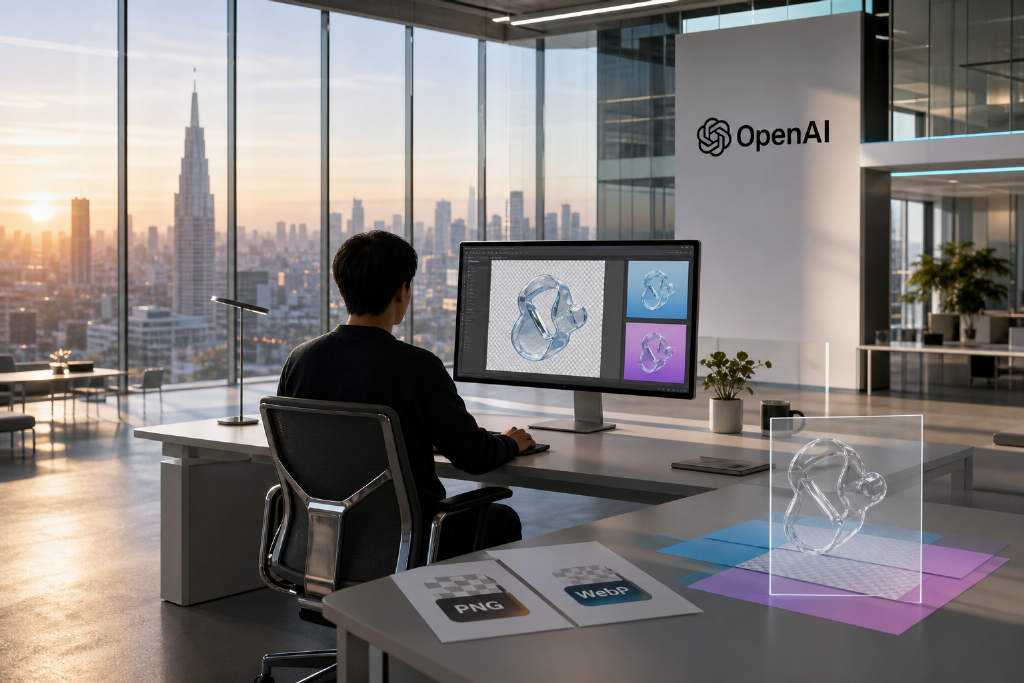
OpenAI said on August 21 that transparent background generation is now available in preview for GPT-Image-2 in the API. Developers can get images with an alpha channel by setting background to transparent in the request.
In a post on X, OpenAI Developers wrote: 「Transparent backgrounds are now available in preview for GPT-Image-2 in the API. Generate reusable assets you can place on any background—for product imagery, graphic design, website mockups, and marketing campaigns.」
What looks like a minor toggle matters in production workflows. Teams that turn out large volumes of assets often need images they can place directly into layouts, not files that must go through another round of editing first. With transparent output, areas outside the subject are actually transparent rather than white, which makes those files reusable across different background colors.
GPT-Image-2 launched without a feature its predecessor already had
GPT-Image-2 was released on April 21 and opened to developers in early May. The model improved on text rendering and multi-image generation, but it lacked transparent background support at launch.
At the time, the background parameter only accepted auto and opaque. Passing transparent would cause the API request to fail. OpenAI also stated in its developer documentation that the model did not support transparent backgrounds.
That created an awkward gap because the older gpt-image-1 had offered the feature since April 2025. Developers moving to GPT-Image-2 got better image quality and layout capabilities, but they also gave up something that was already present in the previous generation.
Developers spent the last four months filling the gap with workarounds
The report listed four approaches developers used while waiting for native support.
- One option was to fall back to older models that still supported transparent backgrounds, including gpt-image-1.5 and sora_image, trading image quality for functionality.
- Another was to chain a dedicated background-removal model after GPT-Image-2. Examples mentioned were RemBG, BiRefNet, and 851-labs' background-remover. That added 1 to 3 seconds per image.
- A third method used a green-screen approach: asking the model to generate a pure green background, then removing it with a color threshold. The method could break down when green reflections appeared around the subject.
- The fourth was more brute-force. Developers generated the same image twice against two different backgrounds, then subtracted the two outputs to calculate transparency. That doubled generation cost.
The article also broke out the numbers. GPT-Image-2 is priced by resolution, at about $0.03 for 1K, $0.05 for 2K, and $0.08 for 4K. In token terms, a 1024×1024 image ranges from 272 tokens at low quality to 4,160 tokens at high quality, with output billed at $30 per million tokens.
For a team producing 1,000 assets a day, an extra 2 seconds per image for background removal adds up to more than 30 minutes of lost processing time. If that team uses the two-image subtraction method instead, the day's image-generation budget doubles.
Preview release fixes the baseline, but limits remain
OpenAI has only released the feature in preview. Early testers in developer communities said output alpha values were landing between 253 and 254 rather than a fully opaque 255. They also reported a faint gray halo at the boundary between transparent areas and the main subject.
Another issue involves the edit endpoint. According to those early reports, it may fail to preserve transparency information when the source image already contains transparency.
There are also format restrictions. Transparent output currently works only with PNG and WebP. JPEG is not supported for this use case.
OpenAI has not said whether preview pricing differs from standard generation pricing, and it has not disclosed any usage limits for the preview period.