
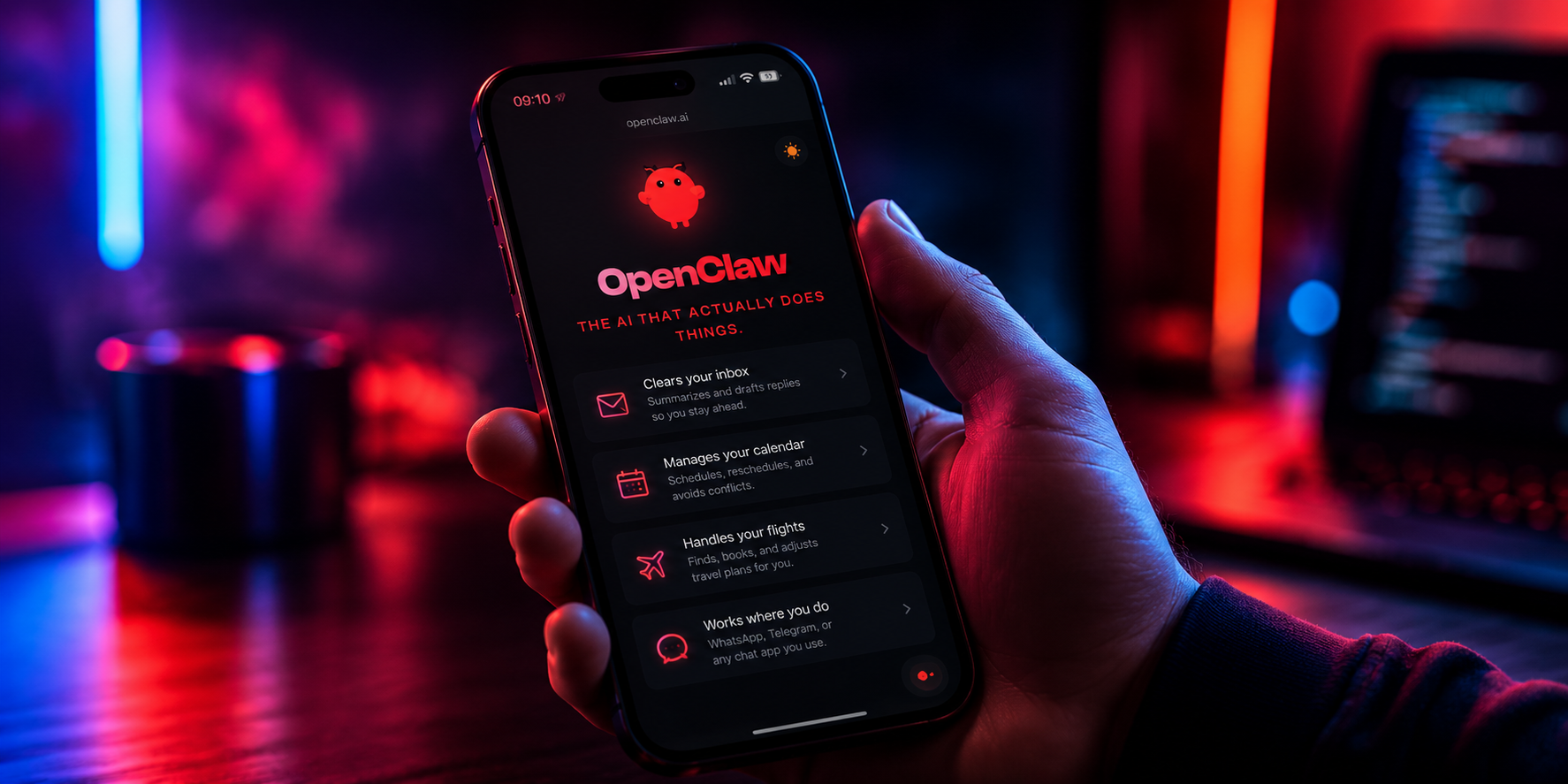
OpenClaw has released iOS and Android mobile apps, extending its open-source AI agent framework to phones. The setup differs sharply from cloud chatbot services: instead of sending each request to a vendor-operated server, the app pairs with a self-hosted OpenClaw Gateway over WebSocket and routes tasks to AI agents running on the user’s own computer or home server.
A routing layer built around user-controlled infrastructure
At the center of the system is the OpenClaw Gateway. It acts as the routing layer between the phone and the user’s local agents, along with whatever tools and skill modules those agents need to call. In practice, that means the compute entry point stays under the user’s control rather than depending on a company-managed backend. That is the main product distinction.
Pairing is designed to be simple. Users can scan a QR code or enter a setup code, then establish a persistent two-way WebSocket connection between the mobile app and the Gateway. Because the connection stays open, the app and the agent can exchange messages in real time without rebuilding the session for every interaction.
Mobile permissions turn the agent into more than a chat tool
Once paired, users can grant the agent access to native phone functions on a permission-by-permission basis. The list includes camera, screen, location, photo library, contacts, calendars, and reminders. With those permissions enabled, the agent can move beyond text prompts and work with schedules, location context, or camera input, but only within the boundaries the user sets.
OpenClaw’s showcase page lists a wide range of use cases, from coding assistance and information lookup to planning meals around a user’s calendar. What the agent can actually do depends on how many tools the user connects and which skill modules sit behind the Gateway. The permission boundary remains explicit: a user can allow calendar access while blocking the camera, or do the reverse.
Early friction shows up on Android and iOS
Initial user feedback has been mixed. On Android, some early reviews reported app crashes, trouble pairing with the Gateway, and a bare-bones interface. Others said the experience was smooth once setup was complete. Both sets of reactions appeared in the source material.
On iOS, the app’s distribution path drew discussion because it involved bypassing Apple’s standard security review process. That prompted security researchers to question the limits around sensitive permissions. The source frames this as an early-stage issue tied to an open-source project moving from desktop to mobile, not as a confirmed flaw in the core product design.
OpenClaw pushes the agent interface onto the phone
The launch reflects a broader shift in how AI agents are being deployed. The source notes that developers have already started embedding agents into keyboards and input methods, turning ordinary text entry into an agent interface. With mobile apps added to the stack, the set of tools available to an agent expands to include a phone’s sensors and local data stores, subject to user approval.