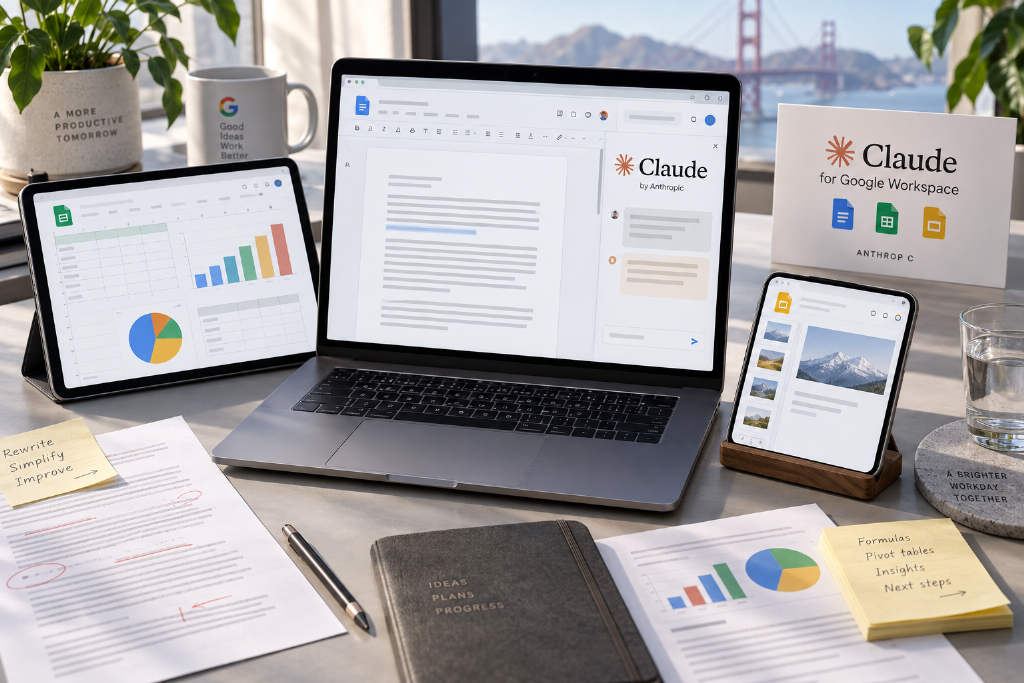
Anthropic has expanded Claude’s Google Workspace integration by bringing the assistant directly into Google Docs, Google Sheets and Google Slides, with the new Claude for Google Workspace now available in open beta for all paid plans. Once installed, Claude appears in a side panel, where it can read the current file and any user-selected content, then make changes directly inside the original document.
The feature set differs by app. In Docs, Claude can rewrite and reorganize text. In Sheets, it can write formulas, build pivot tables and native charts, and even clean data with Python before writing the results back into the spreadsheet. In Slides, it can generate new pages using an existing template and check for layout issues such as overlapping elements or text overflow.
Anthropic also launched new connectors for Docs, Sheets and Slides. Users can create or edit Google files from within a Claude chat by pasting a file link. Previously, Claude’s Workspace integration mainly focused on searching content across Gmail, Calendar and Drive. This update extends that capability from retrieval into direct file editing, though the product remains in beta and still carries several limits.
Anthropic has plugged Claude directly into Google Docs, Google Sheets and Google Slides, opening the new Claude for Google Workspace to public beta across all paid plans.
After installation, Claude appears in a panel on the right side of a file. From there, it can read the current document and any content selected by the user, then make edits inside the original file. All three apps support direct action.
What Claude can do across the three apps
In Docs, Claude can rewrite and rearrange document content. In Sheets, it can write formulas, create pivot tables and native charts, and use Python to clean data before writing the output back into the spreadsheet. In Slides, it can generate new pages based on an existing template and check for problems such as overlapping elements and text overflow.
By default, users must approve each edit before it is applied, though they can also choose continuous execution.
New connectors and chat-based file editing
Anthropic also rolled out new connectors for Docs, Sheets and Slides. Users can work the other way around as well: they can create or edit Google files from within a Claude chat simply by pasting in a file link.
From search to direct file editing
Before this update, Claude’s Google Workspace integration was mainly used to search content across Gmail, Calendar and Drive. This release expands that scope from reading material to editing files directly.
Current limits remain
The feature is still in beta. On the Workspace side panel, Claude can only operate on the file that is currently open by default, and it cannot handle Docs comments or existing suggestions. If the side panel is closed, any task in progress stops as well.
This article was originally published by Bit.Fan. For more cryptocurrency news and market insights, visit www.bit.fan. Disclaimer:
The market information, project data, and third-party content displayed on this platform are for industry information sharing only and do not constitute any form of investment advice or return commitment.
Cryptocurrency trading carries high risks. Users should fully assess their risk tolerance and make independent decisions. All profits, losses, and legal responsibilities are borne by the users themselves.