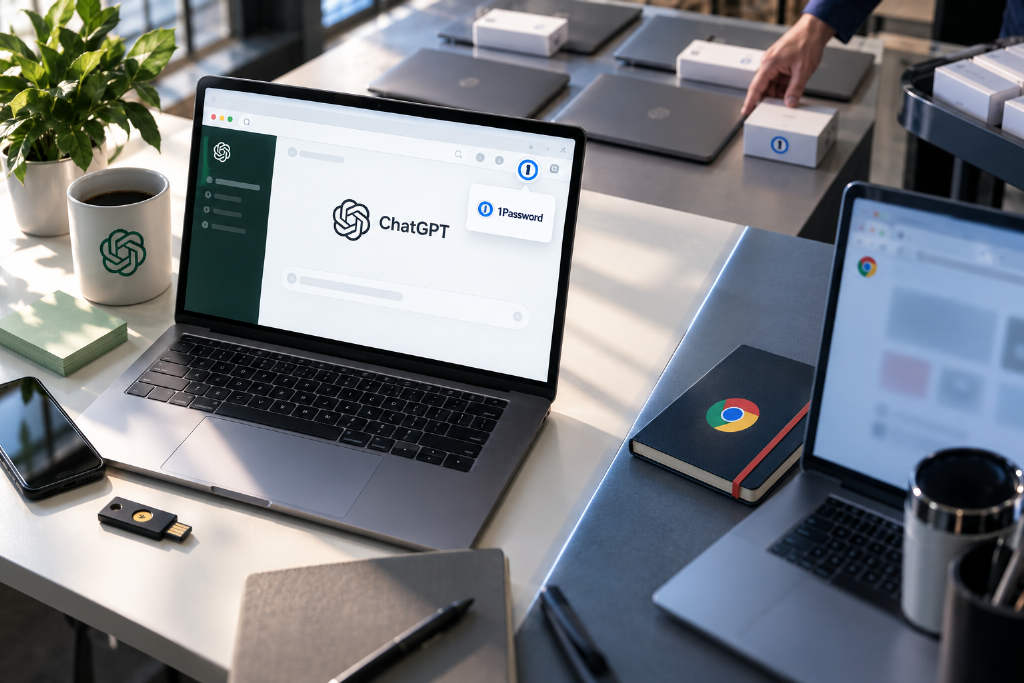
OpenAI has added Chrome extension support to the built-in browser inside the ChatGPT desktop app, allowing users to install, pin, and use extensions directly. The company’s demo featured 1Password, and enterprise administrators can also deploy and manage extensions across their organizations. The setup does not mirror a user’s existing Chrome environment, however. OpenAI’s documentation says the in-app browser runs separately, so it does not automatically inherit Chrome sign-ins, cookies, or previously installed extensions, which must be configured again inside ChatGPT. The browser now supports standard features including sign-in, tabs, downloads, and extensions. OpenAI engineer James Sun said the security boundary remains in place: Agent cannot directly operate extensions or read data stored inside them. In the 1Password example, a person can use the extension to fill in credentials, but ChatGPT cannot open the extension and retrieve passwords on its own. According to the report, the update is part of the ongoing integration of Atlas capabilities into ChatGPT after OpenAI said in July that Atlas would be shut down and its browser Agent functions moved to ChatGPT and Codex.
OpenAI has added Chrome extension support to the built-in browser in the ChatGPT desktop app, letting users install, pin, and use extensions directly. The company’s demo used 1Password.
Enterprise administrators can also deploy and manage extensions centrally. OpenAI’s documentation says the in-app browser now supports standard browser functions including sign-in, multiple tabs, downloads, and extensions.
The environment is separate from a user’s own Chrome setup. It does not automatically inherit Chrome login status, cookies, or extensions that are already installed, so those settings need to be configured inside ChatGPT itself.
OpenAI engineer James Sun said the security boundary has not been fully opened. Agent cannot directly operate extensions or read data inside them. Using 1Password as an example, a person can fill in a password with the extension, but ChatGPT cannot open the extension on its own to retrieve that password.
According to BlockBeats, this is also part of the continued integration of Atlas features into ChatGPT. When OpenAI announced in July that it would shut down Atlas, the company said browser Agent capabilities would be moved into ChatGPT and Codex. With Chrome extensions now added, the ChatGPT desktop app is moving closer to a full browser.
This article was originally published by Bit.Fan. For more cryptocurrency news and market insights, visit www.bit.fan. Disclaimer:
The market information, project data, and third-party content displayed on this platform are for industry information sharing only and do not constitute any form of investment advice or return commitment.
Cryptocurrency trading carries high risks. Users should fully assess their risk tolerance and make independent decisions. All profits, losses, and legal responsibilities are borne by the users themselves.