
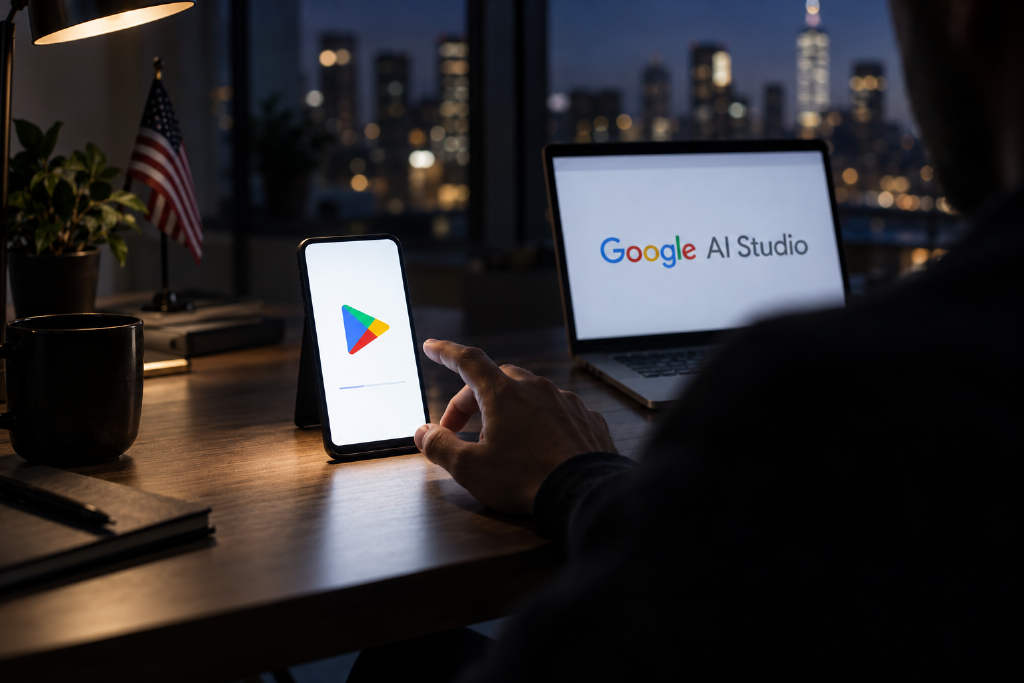
Google said Android apps created with Google AI Studio can now be installed on a user’s own device through Google Play without registering for a developer account or connecting the phone with a cable.
Sam Bright, vice president and general manager of Google Play and the developer ecosystem, announced the change on the 13th. Users build an app in Google AI Studio and then activate it through Google Play. Google refers to these creations as “personal apps.”
Who can use it and what stays private
Google listed three conditions. The app must be made in Google AI Studio, the user must be at least 18 years old, and the feature must be available in that user’s market. These apps are visible only to their creators and do not appear in Google Play search results. In the first wave, Google named only the United States.
A standard Google account is enough to use the feature. On regional availability, Google said the rollout starts now in “select markets,” but its announcement named only the U.S. and did not list others. It did not say whether Taiwan is included in the first batch.
How the process works
The flow has two steps. First, the user describes the app they want in plain language inside AI Studio, and AI writes the code. Second, the user activates that app on their own device through Google Play. Google said the apps remain private and secure and are kept separate from the public store catalog.
In a media briefing before the announcement, Google said personal apps will not appear in Google Play search results or store pages and will not be shared with anyone other than the creator. Play will also add a “Your personal library” section, where the same account can find and reinstall these apps across multiple devices.
What Google says this is for
Bright gave an example of building an app to track shared expenses for a child’s sports team, including uniform costs, referee fees, and post-game spending across families. In the briefing, he described the future of apps on Google Play as “personalized, safe, and something everyone can build.”
What changed from the old setup
Since Google I/O in May this year, AI Studio has been able to generate native Android apps written in Kotlin. The harder part was getting those apps onto a phone after they were created.
According to the AI Studio documentation page, which as of Oct. 14 still showed the older version and had not yet added the personal app flow, there were previously two main paths.
The first path used a USB cable connected to a computer. The phone had to enable Developer Options and USB debugging, and the app was then installed through ADB, Android’s computer-based installation tool.
The second path was publishing through Google Play. That required registering a Google Play developer account, paying a one-time $25 registration fee, filling in developer information, and limiting distribution to internal testing with up to 100 testers.
If a user wanted a full public release, the bar was higher. According to Play Console documentation, personal developer accounts created after Nov. 13, 2023 must first recruit at least 12 testers and complete at least 14 consecutive days of closed testing before they can apply.
In practical terms, the old process meant either plugging in a cable and turning on debugging mode or paying $25 to register a developer account. Now, a Google account is enough.
Limits on what these apps can do
There are still boundaries on the kinds of apps users can make this way. AI Studio’s documentation says generated Android apps run only on-device and do not include server-side functions. Multiplayer connectivity is not supported, and neither is Firebase integration. Support is limited to phones and tablets, with no support for Wear OS or Android TV.
That makes the format better suited to personal-use apps such as budgeting tools, lists, and small utilities.
Sharing and monetization
For now, personal apps can only be used by their creators. Google said sharing with a small circle of friends and family will open in the coming months, but it did not disclose a user cap or a date. In its media briefing, Google said this sharing model is intended for small groups, and any app shared that way will go through a security review first.
If a creator wants to make an app available to everyone, Google Play will help them upgrade to a professional developer account. At that point, the app will face the same Trust & Safety review and quality standards applied to professional developers.
On payments, Bloomberg reported that Google will initially limit the kinds of paid in-app services personal app creators can offer.
What Google said about safety checks
Google said AI Studio includes built-in safety checks to prevent harmful or inappropriate content in personal apps, and those apps still have to comply with existing Google Play policies. The announcement did not spell out what checks happen before a personal app is activated. Google said the full Trust & Safety review applies when a creator upgrades to a professional developer account.