
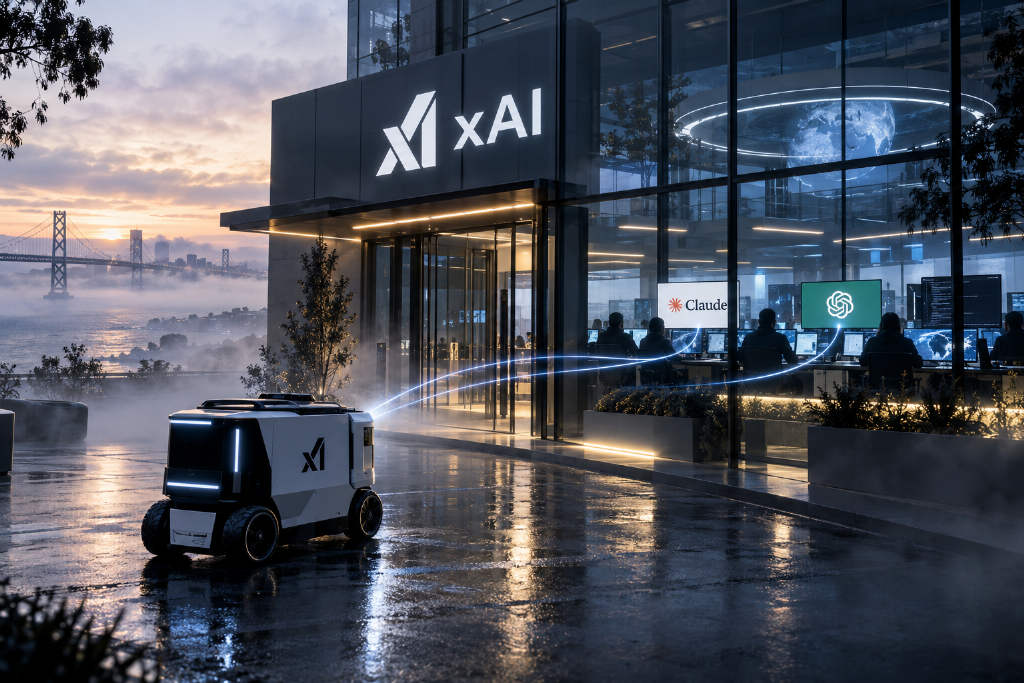
xAI’s persistent AI agent, Grok Bot, is being used by some users to direct models from other companies. In an Oct. 14 post on X, AI teaching community AI Operator Academy’s Corey Ganim shared a prompt that tells Grok Bot to install Anthropic’s Claude Code and OpenAI’s Codex command-line tools on its own cloud computer, sign in with the user’s Claude and ChatGPT subscriptions, send writing work to Claude, and hand coding tasks to OpenAI models. Elon Musk later reposted the post.
Andrew Warner first described the setup, and Ganim turned it into a five-step prompt
The approach was first outlined by Andrew Warner, who previously hosted startup interviews at Mixergy. On Oct. 7, Musk wrote that SpaceX would pick the best backend model for each Grok Bot task, including Claude Opus 5.5, MidJourney and Suno. Warner quoted that post the same day and said users did not need to wait for Grok Bot to officially add Claude or OpenAI support because they could do it themselves now. According to Warner, users only needed to have Grok Bot connect to their AI subscriptions. The bot would open a terminal on its own computer, install Claude Code and the Codex command-line tools, and after a one-time login, route work to other models, with “no API key” required.
Ganim said on Oct. 14 that he gave Warner’s post to his own “chief of staff” Bot, which then installed both tools by itself. He later wrote the process into a five-step prompt:
- Install Claude Code and the Codex command-line tools, then start subscription-based login with claude setup-token and codex login --device-auth. The user signs in through the link and code sent by the Bot, while the Claude token is stored privately by the Bot and loaded automatically.
- Set the default models to Claude Opus 5.5 and GPT-6.1 Sol, then test each with a short prompt.
- Add task-routing rules to every Bot’s system prompt: drafts, emails and posts go to Claude; coding, data processing and terminal work go to Codex; browser and desktop actions stay as they are; if either tool fails, the Bot handles the task itself and explains what happened.
- Save the same rules into shared memory so newly created Bots follow them as well.
- Report which Bots were updated and confirm that both tests passed.
Ganim opened the post with “(@elonmusk approved).” Musk later reposted it without additional comment, and Ganim posted on Oct. 15 to thank him for the repost.
Anthropic documents say users can sign in to unmodified Claude Code with their own subscription
Some replies raised concerns that the setup could violate Anthropic’s terms of service and lead to account suspension. Ganim responded on Oct. 15 that Grok Bot was calling Codex and Claude Code through the command line and that “this is 100% allowed,” adding that Grok Bot itself was not using Opus or Sol. Warner, replying to users, said, “They may be pretty strict, but this is in the terminal, so I think it should be okay.” He also said on Oct. 8 that he had already been using the method for more than a week.
Anthropic’s Claude Code compliance documentation says OAuth sign-in for subscription plans is available to buyers of the Free, Pro, Max, Team and Enterprise plans for normal use of Claude Code and Anthropic’s own applications. The documents say third-party developers may not offer Claude account login inside their own applications, may not send requests on behalf of users through credentials tied to the Free, Pro or Max plans, and may not collect, store or relay Claude credentials or session tokens.
The same documentation also says those restrictions do not prevent end users from signing in to an unmodified Claude Code program with their own Claude subscription, including cases where Claude Code is hosted by a platform. It also notes that the published usage limits for Pro and Max plans assume ordinary personal use, and Anthropic reserves the right to enforce those limits without prior notice. According to Claude Code authentication documentation, claude setup-token generates an OAuth token valid for one year for CI workflows and scripts that cannot complete browser-based sign-in.
OpenAI says Codex supports subscription login or API-key login
OpenAI’s Codex login documentation says users can sign in with either a ChatGPT subscription or an API key. In remote or headless environments, the company recommends device-code login, which must first be enabled in ChatGPT security settings. The documentation also says the auth.json file that stores tokens should be treated like a password, while automated workflows are still recommended to use API keys by default.
xAI says all Bots under the same account share command-line credentials
xAI’s official Grok Bot documentation does not currently mention installing Claude Code or Codex. According to the Grok Bot computer documentation page, the cloud computer is assigned to the user account rather than to an individual Bot, and logged-in sessions, files and command-line credentials are shared across Bots under the same account. xAI warns that if users do not want other Bots in the account to access a credential or file, they should not place it on that computer.
The documentation also says each Bot has its own screen on the shared computer, but those screens are separate workspaces rather than separate security boundaries. Temporary directories and manually installed packages should be treated as replaceable content.
ABMedia added that readers looking for Grok Bot plans, features, and comparisons with OpenAI dots and Meta Muse can refer to its full guide to Grok Bot.