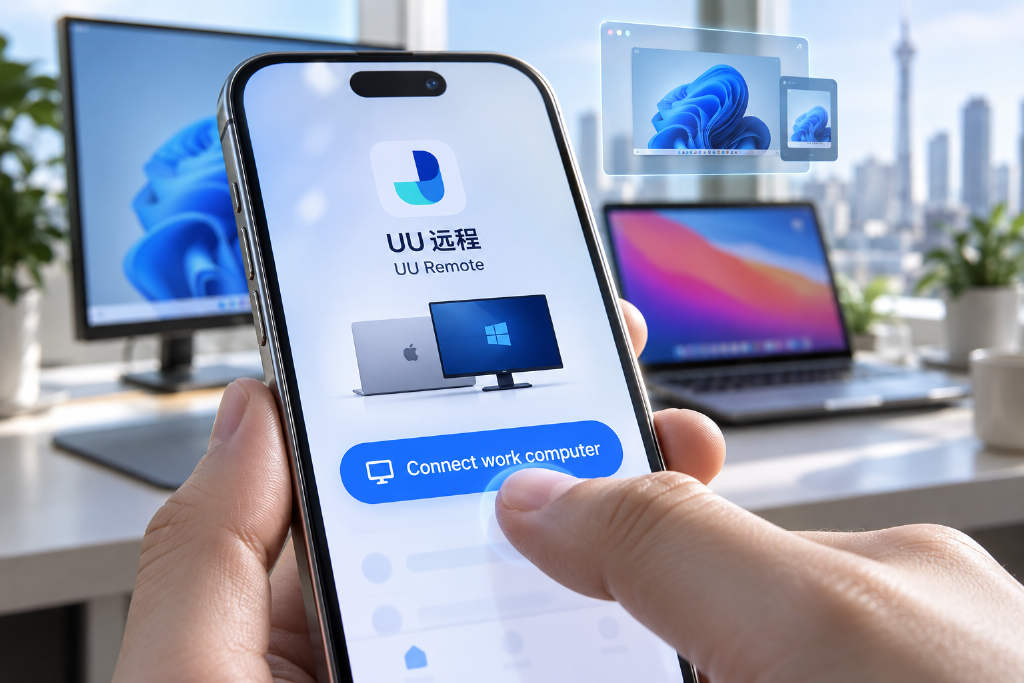
NetEase UU Remote has published a third-party app integration protocol on GitHub, allowing developers to add a PC remote-control entry inside their own iOS and Android apps. In the example described, an AI coding assistant could offer a "Connect work computer" button that sends users to UU Remote the first time to select and bind a Windows or Mac machine. After that, the same button can launch a remote session directly without requiring users to search for the device again. The remote feature supports both full-screen and picture-in-picture modes, letting users keep using other mobile apps while operating their computer through a floating window. Developers can also receive connection results in picture-in-picture mode, including whether the target device is offline or whether the connection has failed. NetEase said the release covers a cross-app invocation protocol rather than the source code of the remote-control engine or an interface for AI to operate a computer automatically. Third-party apps still depend on the installed UU Remote client, while the remote session itself is handled by NetEase. Controlled devices currently support Windows and macOS only, and the mobile side requires UU Remote version 4.42.0 or later.
NetEase UU Remote has published a third-party app integration protocol on GitHub, giving developers a way to place a PC remote-control entry inside their own iOS and Android apps.
One example in the announcement is an AI coding assistant with a "Connect work computer" button. On the first tap, users are redirected to UU Remote, where they can choose and bind a Windows or Mac computer. On later taps, the same entry can start a remote session directly, without making users look up the device again.
The remote feature supports both full-screen and picture-in-picture modes. That lets users keep another mobile app open while operating their computer through UU Remote’s floating window. The example given was checking whether Claude Code or Codex had finished a task on a Mac at home, with the remote session launched directly from a third-party app.
Developers can also obtain connection results for picture-in-picture mode, allowing them to determine whether the device is offline or whether the connection attempt failed.
What has been opened is a cross-app invocation protocol, not the source code of the remote-control engine and not an interface for AI to operate a computer automatically. Third-party apps still need to call the installed UU Remote client, while the actual remote session is completed by NetEase.
At present, controlled devices are limited to Windows and macOS. On the mobile side, users need UU Remote version 4.42.0 or later.
This article was originally published by Bit.Fan. For more cryptocurrency news and market insights, visit www.bit.fan. Disclaimer:
The market information, project data, and third-party content displayed on this platform are for industry information sharing only and do not constitute any form of investment advice or return commitment.
Cryptocurrency trading carries high risks. Users should fully assess their risk tolerance and make independent decisions. All profits, losses, and legal responsibilities are borne by the users themselves.