
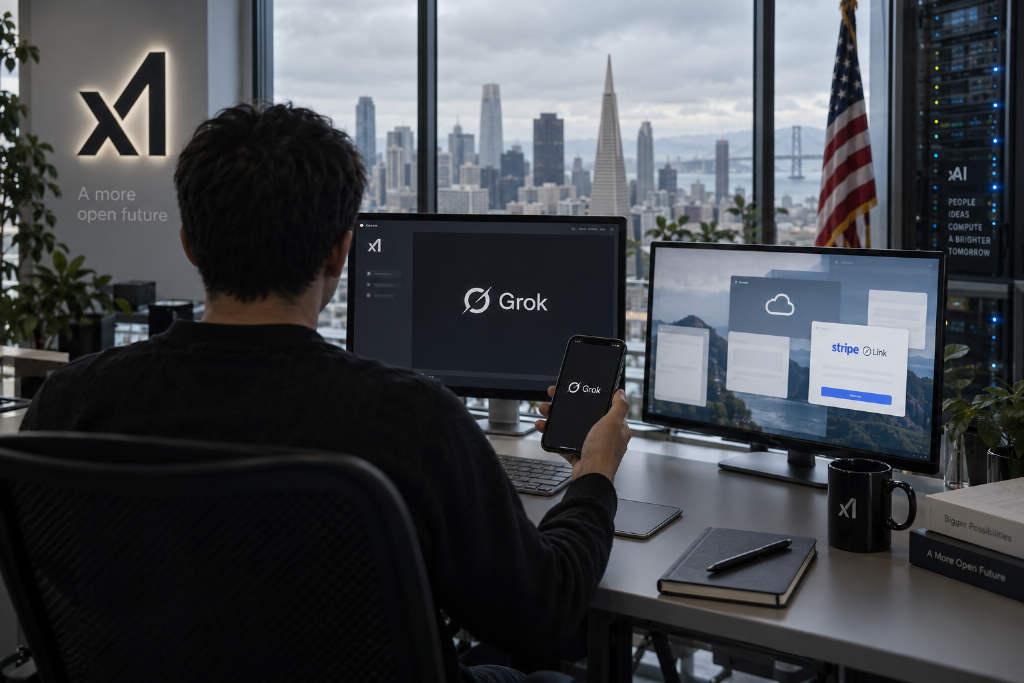
xAI’s Grok Bot is being introduced as an always-on AI agent rather than a conventional chatbot. Instead of waiting for a prompt and returning an answer, each Bot comes with its own cloud computer, can sign in to websites and tools a user already relies on, and carry a task through from start to finish. If the user closes their own machine, the Bot can keep running in the cloud and only comes back when approval is needed.
ABMedia’s guide says access is paid only. The entry point is the $30-per-month Premium plan. The free tier and the $8 Plus plan do not include Grok Bot. The product is available on desktop and iOS, and the report notes that users should set approval rules carefully for any action tied to payments or account control.
What Grok Bot is
According to ABMedia, Grok Bot was opened to users in Early Beta in August 2026. xAI said the product began as an internal experiment and was quickly adopted by teams handling business development, marketing, office operations, and software debugging.
The official product page describes the experience as sending a message to a colleague. A user hands a project to the Bot, and the Bot works through it end to end, remembers the user’s work habits, and gets better with repeated use. It checks back only when an approval step is required.
ABMedia highlights two points that set it apart from a standard AI assistant. First, each Bot has its own computer, so it can interact with websites and tools that do not offer an API or MCP interface. Second, it is persistent and can start work on a schedule or from an outside trigger instead of waiting for a fresh command each time. The report groups Grok Bot with other always-on agents, including OpenAI’s dots and Meta’s Muse.
Five core functions
ABMedia breaks Grok Bot’s capabilities into five main functions: a dedicated computer, task teaching, scheduling, parallel bots, and retained context.

| Function | Official description | Practical use |
|---|---|---|
| Its own computer | After signing in once, it can use apps and websites as the user would, including difficult tools | For example, signing into Zendesk to work through a support queue |
| Teach a task | The Bot watches a user complete a workflow once and saves it as a routine | Useful for weekly reports or CRM updates that repeat on a fixed cycle |
| Scheduled execution | Saved routines can run on a schedule automatically | For example, organizing the prior day’s orders every morning |
| Multiple bots in parallel | Separate bots can handle a project, outbound work, or system maintenance and hand work off in the same conversation | The user can monitor progress without approving every single step |
| Learns over time | The Bot keeps context and learns across interactions | A workflow shown today can become a fully delegated project by Friday |
ABMedia also notes that by late August, Grok Bot had connected with Stripe’s Link wallet and could shop at online merchants on behalf of users, with initial availability limited to U.S. users. Every purchase requires prior approval, and the Bot receives a single-use virtual card number rather than the user’s main card.
Use cases from official examples and early users
The official page frames Grok Bot around roles. ABMedia lists sales outbound, talent search, paid ads, expense management, product performance tracking, software bug reproduction, customer health tracking, and even chief-of-staff style work.
In the sales outbound example, the Bot researches target companies overnight, scores contacts by buying intent, drafts email and LinkedIn messages in the user’s own style, and leaves a review queue for the next day.
xAI said early users have already used Grok Bot to imitate their tone in vendor negotiations, manage support for online stores, and maintain CRM records. Tech investor Gavin Baker said on X that he built a podcast summary tool with Grok Bot in about 15 seconds and called it a possible new “Claude Code moment” for AI.
In mid-September, xAI also ran a Grok Bot Galaxy livestream in which three employees used Grok Bot to build a company in three days, covering engineering, product, sales, customer support, and marketing.

Pricing and plan structure
ABMedia says that from Oct. 13, Grok, Cursor, and X Premium were folded into a single bundle called The X Subscription. Grok Bot is included in Premium and above. Based on the official pricing page and the Grok Bot product page, the monthly structure is as follows:
| Plan | Monthly price | Includes Grok Bot | Usage notes |
|---|---|---|---|
| Free | $0 | No | Limited Grok and Cursor chats |
| Plus | $8 | No | Basic usage, including Grok chat, Grok Build, and the X Premium checkmark |
| Premium | $30 | Yes | Dedicated Bot computer, tool logins, scheduled routines; 4x the weekly usage of Plus |
| Super | $100 | Yes | 3.5x Premium, equal to 15x Plus; priority model access at peak times |
| Ultra | $200 | Yes | 12x Premium, equal to 50x Plus; earliest access to new products and models |
| Teams | Starting at $30 per user | Yes | 4x to 50x Plus usage |
| Enterprise | Contact sales | Yes | Shared usage pool |
Grok, Cursor, and Grok Bot share the same usage pool. Users on legacy plans can keep them, and if the retained plan is eligible — Premium, Super, Ultra, Teams, or Enterprise — Grok Bot is already included.
How to get started
ABMedia lays out a simple onboarding path:
- Subscribe to Premium or above, or confirm that an existing plan is eligible, then sign in to Grok with that account.
- Download the Grok Bot desktop app or iOS app and create a first Bot.
- Message it as if assigning work to a colleague, making clear what needs to be done and when it should report back.
- Let it sign in once to the required sites, such as a customer support system, a CRM, or a spreadsheet tool.
- Use Teach a task for repeated workflows, then turn those workflows into scheduled routines.
The report says official guides are also available for product managers, designers, and sales teams. For a first run, ABMedia suggests starting with low-risk, reversible work such as data organization or draft messaging before handing over tasks that involve external sending or payments.
How the system works under the hood
In an October technical talk, SpaceX team member Lee Robinson described the Grok Bot stack as three layers: a client that receives messages, a server that manages agent logic, and the cloud computer that actually operates software.
That cloud computer runs on Firecracker virtual machines and includes Linux, a browser, and a desktop environment. It does not stay on all the time. It starts when work arrives, sleeps when the work is done, and stores conversations, memory, and progress in a database so execution can resume later.

Long-running jobs rely on the open-source workflow engine Temporal to track progress, which allows the system to restart from an appropriate step after an interruption. To keep context from becoming too large, the main Bot acts as a coordinator and delegates tasks such as video production to sub-agents. Those sub-agents report results back, while long-term memory is stored in layered files instead of being pushed entirely into prompts.
Security and limits
ABMedia lists several operating boundaries for users:
- The Bot returns only when approval is needed, so users should define in advance which actions need approval, such as sending external emails, making payments, or deleting data.
- The shopping feature requires approval on every transaction and uses a single-use virtual card number. It is currently open first to U.S. users.
- Letting a Bot sign into accounts effectively means handing over operating access, so users should limit it to only the accounts and permissions needed for the task. Sensitive systems should be tested with test accounts first.
- Grok Bot is still in Early Beta, and both its feature set and plan structure can change. Important workflows should be reviewed on a regular basis.
Grok Bot vs. OpenAI dots vs. Meta Muse
| Product | xAI Grok Bot | OpenAI dots | Meta Muse |
|---|---|---|---|
| Launch | August 2026 (Early Beta) | Sept. 29, 2026 | Sept. 8, 2026 |
| Price | Premium from $30 per month | First dot included in ChatGPT Pro; starts at NT$3,300 per month in Taiwan | Basic features free |
| Runtime | One cloud computer per Bot | One cloud computer and browser per dot, with an option to connect a personal computer | One cloud virtual machine per user |
| Key traits | Can log into sites and tools without APIs, supports Teach a task, includes Stripe Link shopping | More than 4,000 app plugins plus Slack and Teams collaboration | Shopping checkout, small-business edition, mobile and wearable devices |
| Availability | Depends on subscription plan | Available in the Pro plan, including Taiwan | United States and Canada |
ABMedia notes that dots is already available to ChatGPT Pro users in Taiwan, while Grok Bot has a lower entry price and is aimed at people who want AI to operate a wide range of web tools directly.
FAQ highlights
Is Grok Bot free?
No. It is included only in Premium and above, starting at $30 a month. Super costs $100 a month, Ultra costs $200 a month, and Teams starts at $30 per user per month. The free tier and the $8 Plus plan do not include Grok Bot.
How is Grok Bot different from Grok chat?
Grok chat is a question-and-answer product. Grok Bot is a persistent AI agent with its own cloud computer that can sign into websites and tools and complete an entire task, returning only when approval is needed.

How is it different from Grok Build?
Grok Build is a coding agent that writes software in the terminal and is available in the Plus plan. Grok Bot is a persistent agent built for day-to-day workflows and requires Premium or above.
Does Grok Bot need the user’s computer to stay on?
No. It works on a cloud computer and can continue running after the user turns off their own device.
Can Grok Bot buy things?
Yes. After connecting to Stripe Link, it can shop with online merchants. The feature is currently being opened first to U.S. users. Every purchase requires user approval, and the Bot receives a single-use virtual card number.
How is Grok Bot different from OpenAI dots?
Both are always-on agents with their own cloud computers. Grok Bot starts at $30 per month and focuses on logging into sites without APIs and learning tasks after one demonstration. dots is bundled with ChatGPT Pro, which starts at NT$3,300 per month in Taiwan, and emphasizes more than 4,000 app plugins plus Slack and Teams collaboration.
Development timeline
- Oct. 13: The X Subscription goes live, and Grok Bot is included in Premium and above.
- Oct. 10: Lee Robinson publicly outlines the Grok Bot architecture.
- Sept. 29: OpenAI launches the comparable persistent agent product dots.
- Sept. 15–17: xAI runs the Grok Bot Galaxy livestream, where three people build a company in three days.
- Aug. 30: Grok Bot connects with Stripe Link and gains shopping capability.
- Aug. 18: Gavin Baker says Grok Bot could be another “Claude Code moment.”
- Mid-August: Grok Bot Early Beta becomes public.
ABMedia also links to related guides on Grok Build, Cursor, ChatGPT, and Claude Code in the original article.