
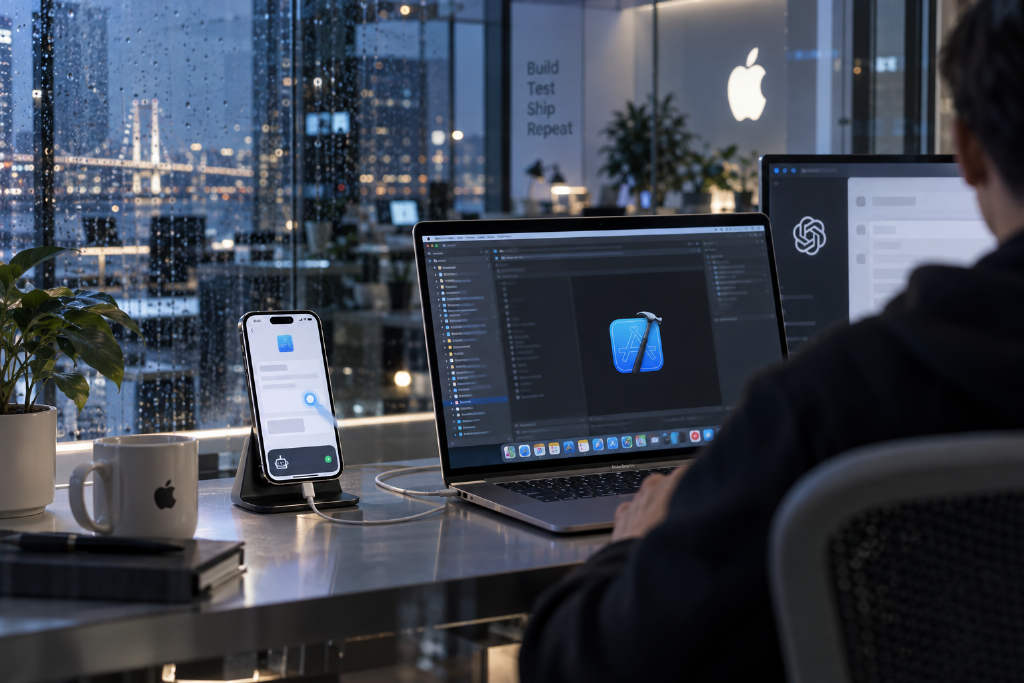
Zhong Erxin, a former product manager for Doubao Desktop, has open-sourced iPhone Use, a toolkit that allows Codex to control a real iPhone. With natural-language prompts, Codex can open apps, read pages, tap, swipe, type in Chinese, and search or organize lists. Users can watch the process live from the Codex sidebar.
Built on WDA and Apple’s XCTest framework
At the core of the project is Appium’s WebDriverAgent, or WDA, an iPhone automation tool based on Apple’s XCTest testing framework. Developers first install WDA on the iPhone through Xcode. An MCP service running on a Mac then sends Codex instructions to the phone, and WDA executes actions such as taps and text input.
According to the project description, the setup does not require jailbreaking and does not need a standalone Appium Server deployment.
UI control data comes first, screenshots only when needed
To reduce the cost of having AI repeatedly inspect screenshots, iPhone Use prioritizes system-provided interface control data. That lets it identify button text, position, and status directly. If a control cannot be recognized or is obscured, the system returns a screenshot and lets the model determine the tap coordinates.
The toolkit also supports batching a sequence of actions, which cuts down on model calls. The live view shown in the sidebar is obtained through WDA’s separate screen stream, so the system does not need to capture screenshots over and over.
Official guide still relies on USB
For now, the official iPhone Use tutorial still requires the phone to be connected over USB. Initial setup also requires signing and installing WDA through Xcode. Apple supports wireless debugging, and WDA can also be accessed over the network, but the project has not yet provided a complete wireless connection configuration.