Anthropic adds Remote Control for Claude Code, letting users take over local sessions from a phone
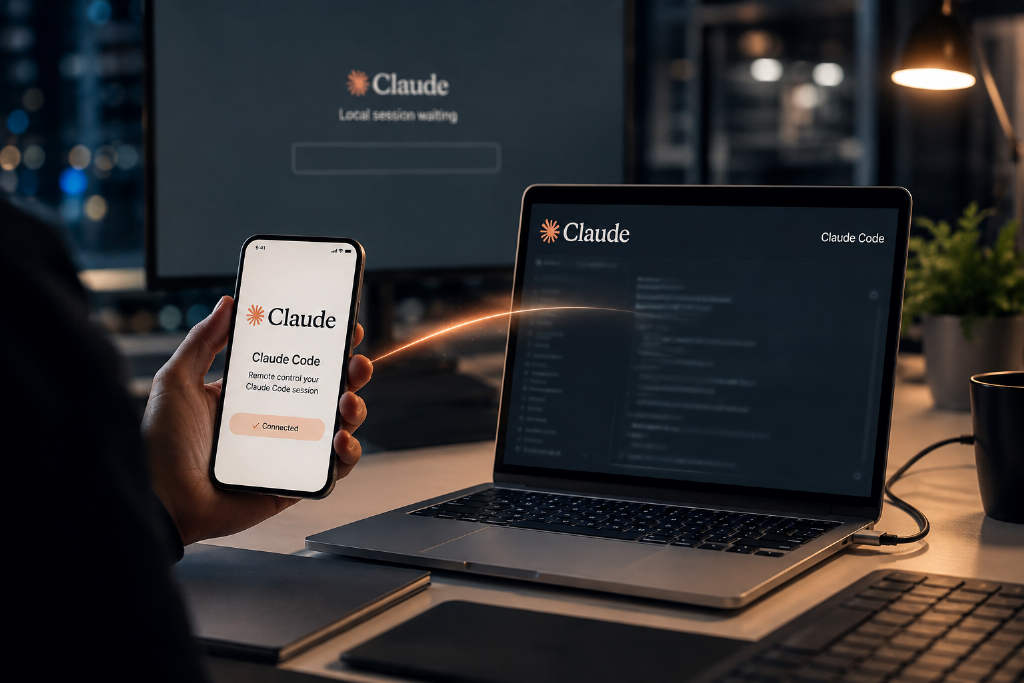
Anthropic’s Remote Control feature for Claude Code lets users connect to a locally running coding session from claude.ai/code or the Claude mobile app on iOS and Android. The setup keeps code execution and file system access on the local machine, while syncing conversation transcripts and tool activity through Anthropic’s servers so users can switch between terminal, browser, and phone without starting over. The feature requires Claude Code v2.1.52 or later and a claude.ai account login through claude auth login. It does not work with API key authentication or long-lived setup tokens. Free plans are excluded, while Pro and Max support it directly. Team and Enterprise plans can use it only if an organization owner enables the setting in admin controls, and organizations using Zero Data Retention cannot use the feature at all. The guide also breaks down three main activation paths, plus a VS Code extension entry point, supported and unsupported commands on mobile, push notification setup, security boundaries, Trusted Devices controls for enterprise users, and a detailed list of known errors and fixes. Anthropic’s positioning is clear: Remote Control is for handing off an active local session to another device, while cloud sessions, Dispatch, and Slack-based Claude Tag are meant for different operating models.